Command Palette
Search for a command to run...
QuickStart
Sign up and Account creation
-
Go to app.Intelliconvert.ai
-
Login or Create an account
-
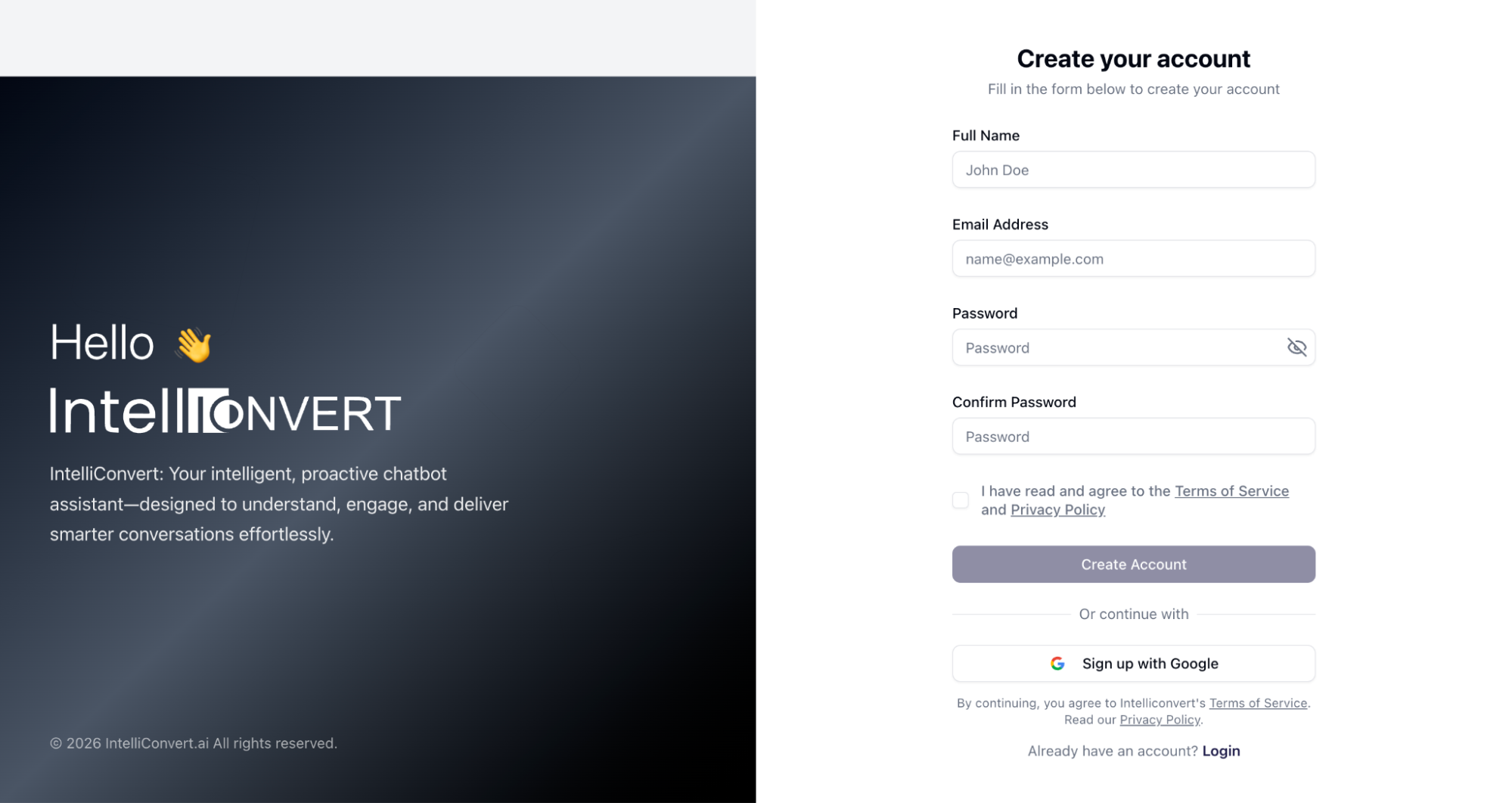
Enter your full name, email, and password, then review and accept the Terms of Service and Privacy Policy. Alternatively, you can sign up instantly using Google authentication.
-
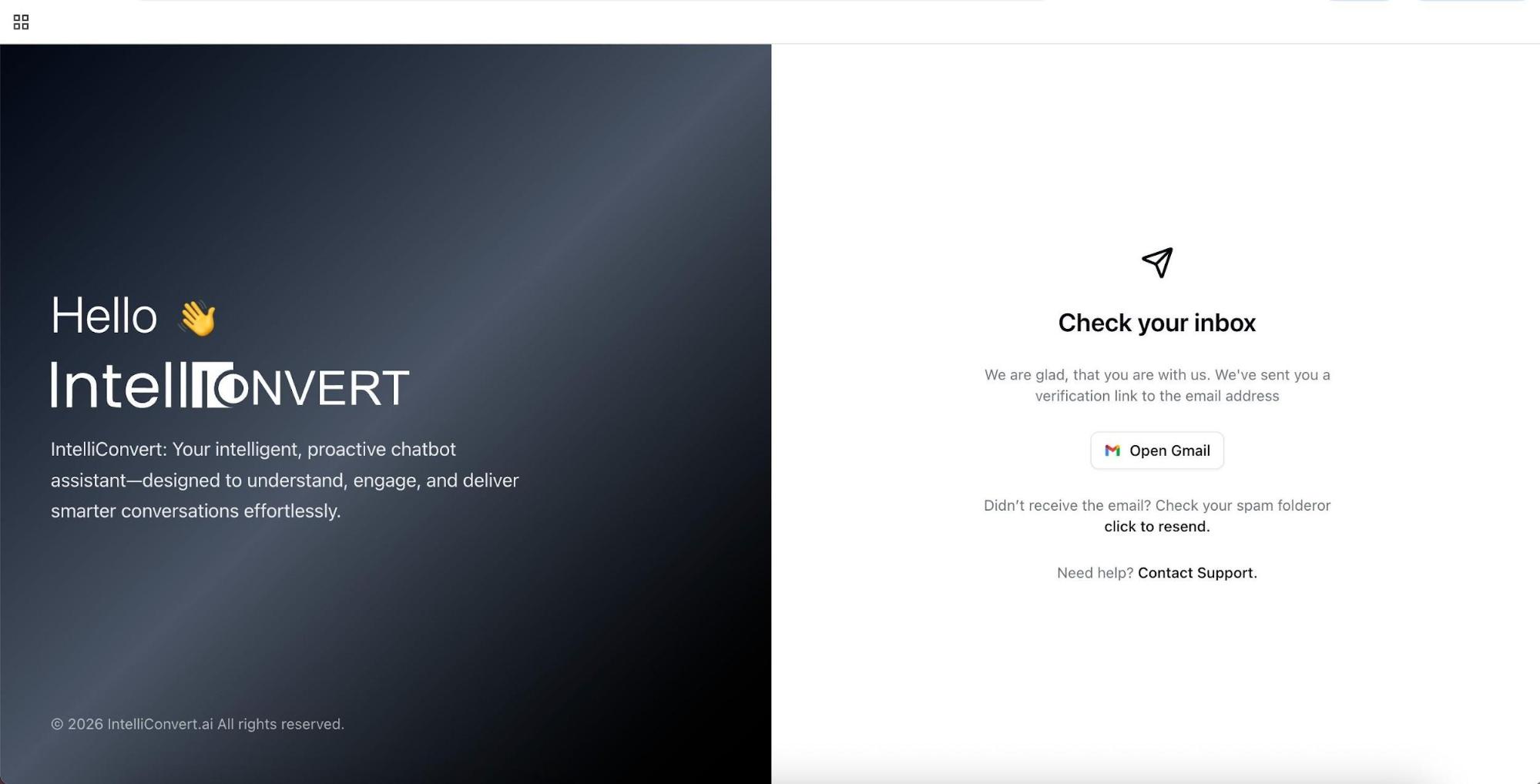
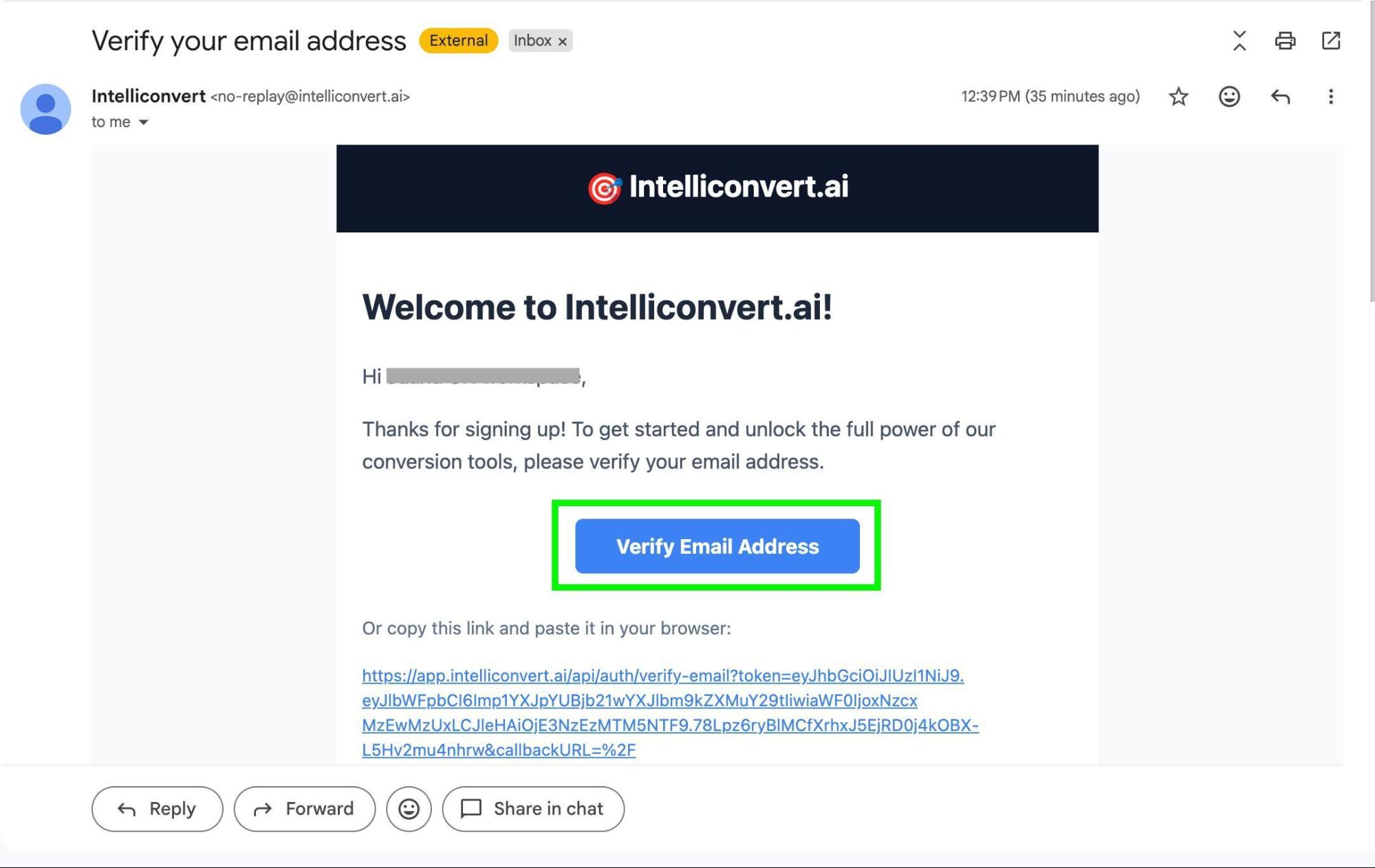
Verify your email
-
Once your email is verified, you can create your workspace and gain access to the Intelliconvert Dashboard.
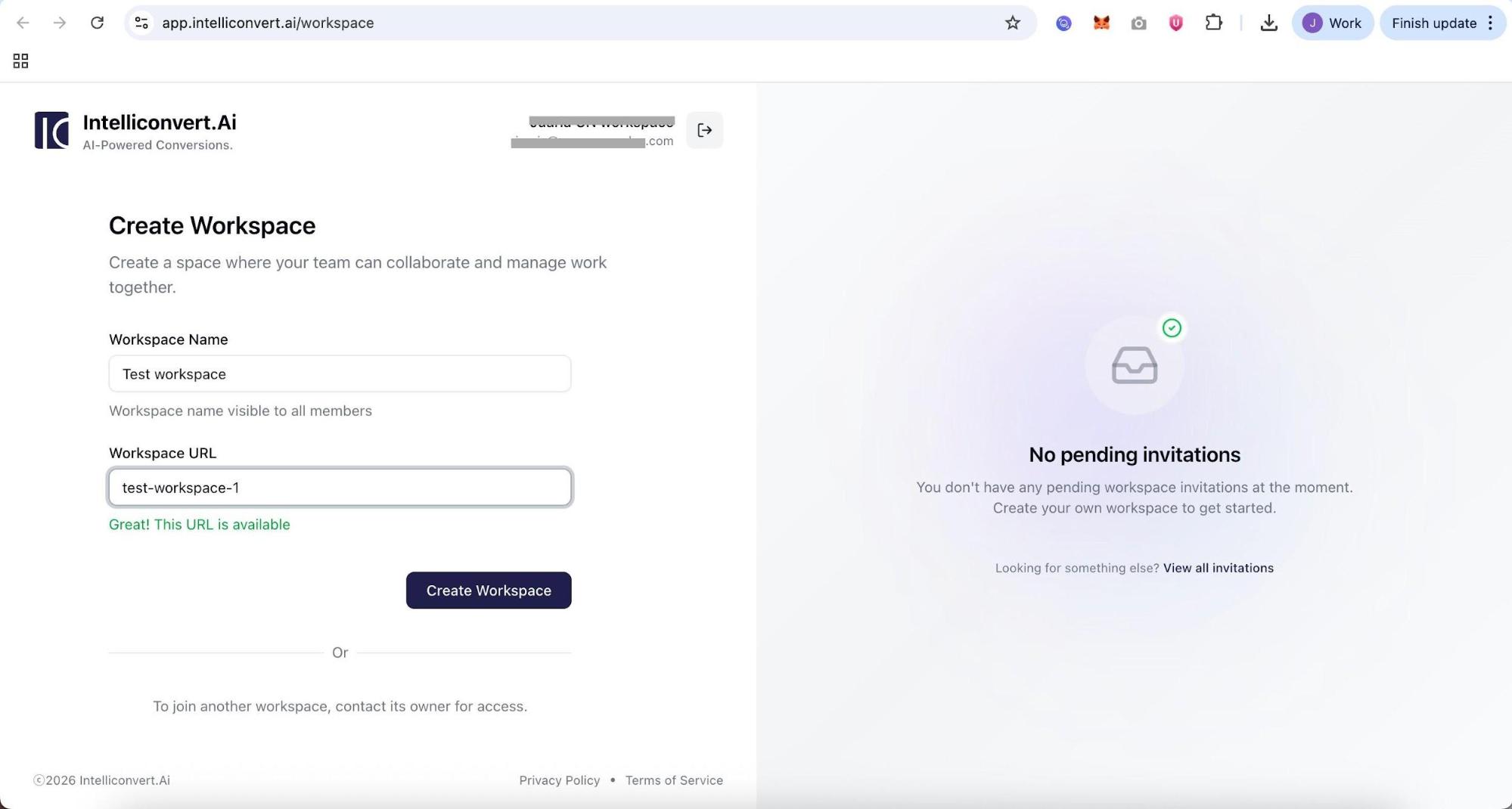
-
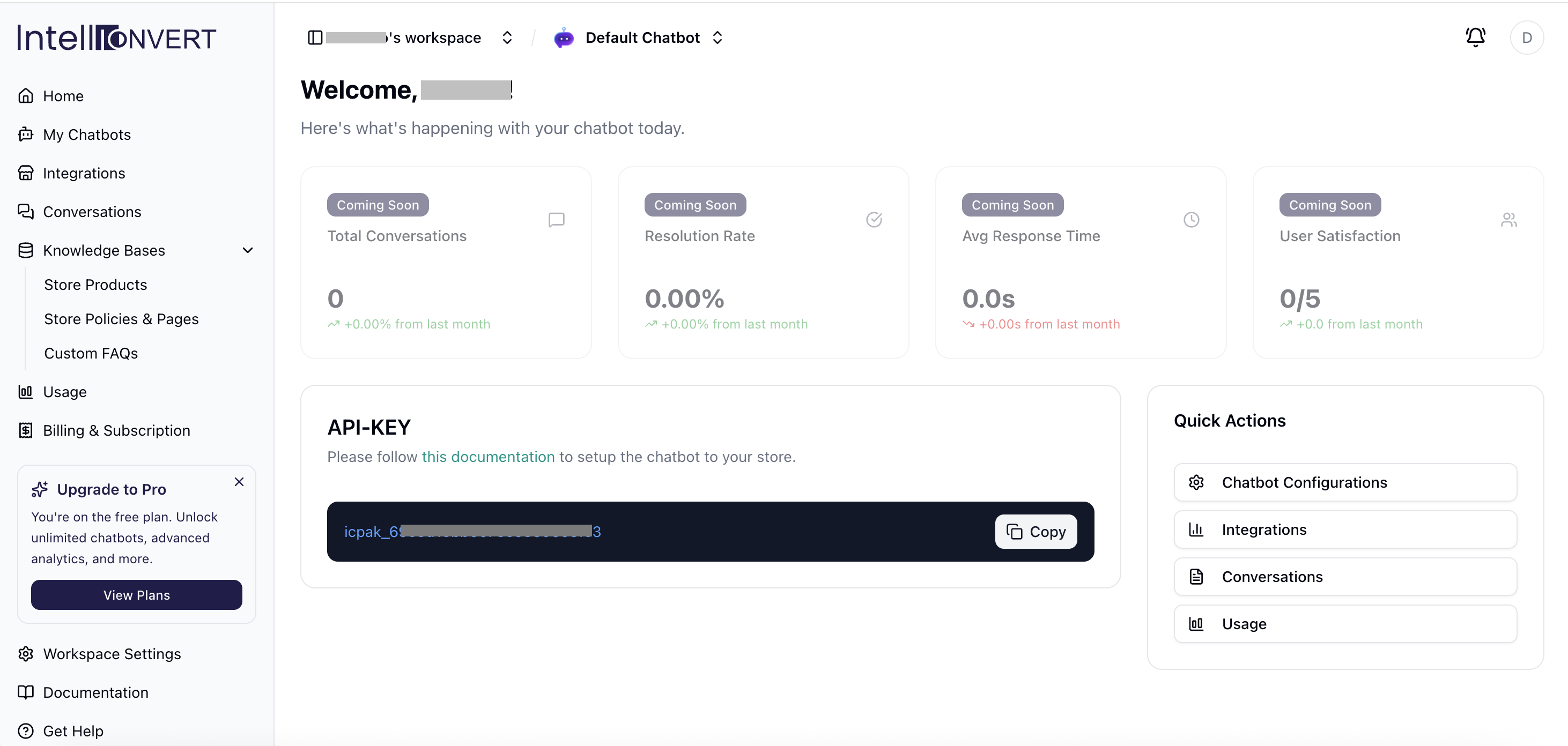
You will land on the Dashboard Home and an API key will be displayed. You will need this key when you want to make your Ai chatbot widget live, after you connect to your Shopify Store.